Type what to remember, pick when, and it rings right here in your browser, with a sound and a notification. Free, with no sign-up.
Ringing on this page
Nothing set yet. What you set here rings in this tab.
Click anywhere on the page so it may play sound.
Rings while this tab is open and the computer is awake.
This browser isn’t saving them: a reload clears them.
Reminder App for Chrome: reminders that ring with no tab open
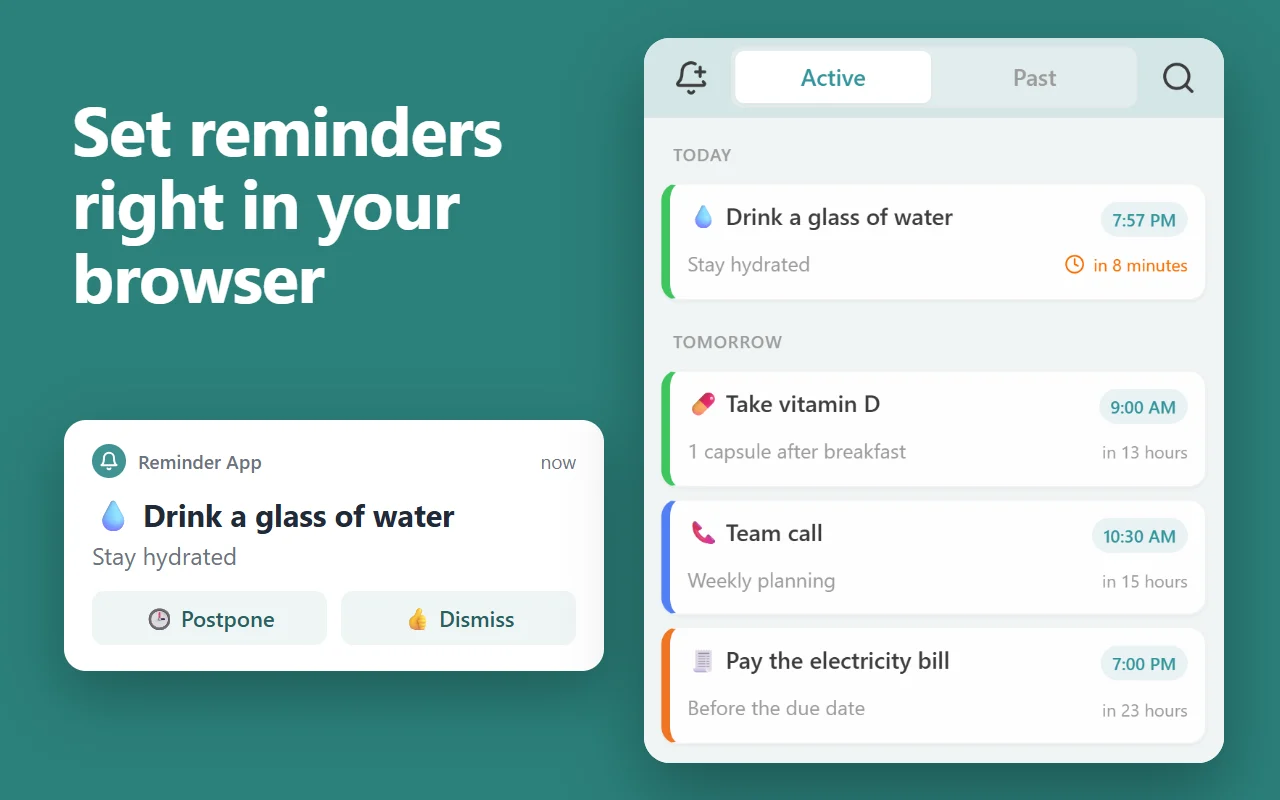
This page rings only while it stays open. Our free Chrome extension keeps your reminders in Chrome’s side panel and rings each one with a notification and a sound whenever Chrome is running, on every computer where you’re signed in to Chrome with sync on.
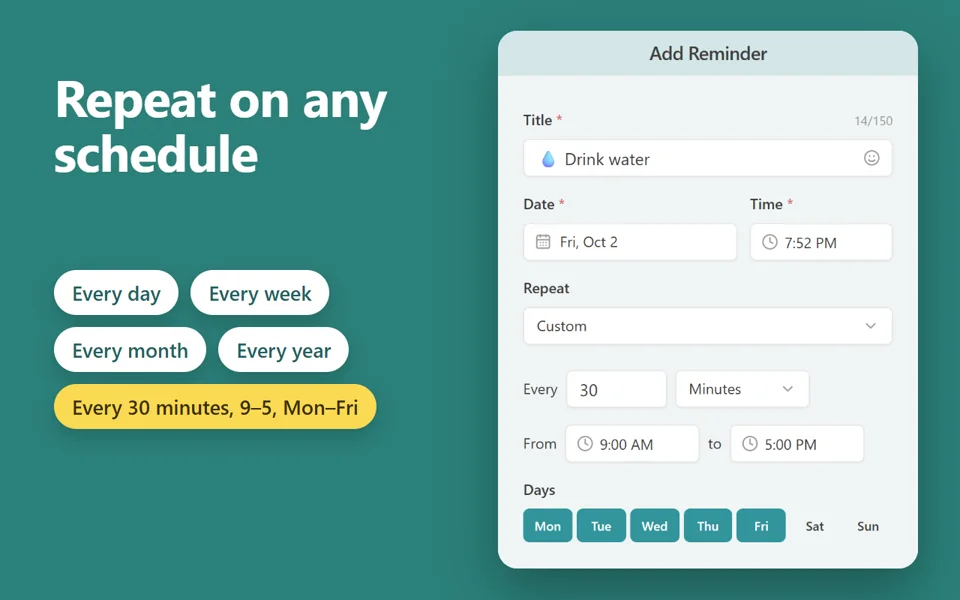
Repeats every day, week, month or year, on chosen weekdays, or every few minutes between set hours
Priority reminders ring until you answer; Postpone or Dismiss from the notification
Reminders missed while Chrome was closed show as one summary when it starts again
Right-click a page, a link or selected text to make it a reminder that opens the page
Free · 30,000 users · rated 4.8 in the Chrome Web Store For Chrome on Windows, Mac, Linux and Chromebooks.
How to set a reminder online
Type what you want to remember, such as “Call the dentist” or “Take the pizza out”.
Pick In and a time such as 15 minutes, or At and a time and date.
Choose whether it repeats, and the sound.
Press Set reminder. Keep this tab open: when the time comes, it rings and shows your reminder.
Questions and answers
Does the reminder ring if I close this tab?
No. A web page can ring only while it is open, so keep this tab open, in the background if you like. To get reminders with no tab open, use the free Reminder App extension for Chrome.
Will I hear it while I work in another tab or app?
Yes, as long as this tab stays open and the computer is awake. Allow notifications when your browser asks, and the reminder also shows over other windows.
Are my reminders saved?
They are kept in this browser, on this computer, so a reload keeps them. Nothing is sent to us or anyone else.